
How to Create a WordPress Website: The Complete Guide for 2025
Learning how to create a WordPress website is the most efficient path to building a professional online presence today. WordPress powers over 43% of all websites worldwide, offering a combination of flexibility, scalability, and user-friendliness that no other content management system matches at this scale. Whether you are planning a business blog, an online store, or a full-featured company website, this comprehensive WordPress guide walks you through the entire process -- from initial planning to a finished, search-engine-optimized website. As a Vienna-based web design agency, GoldenWing 360 helps businesses navigate this process every day, and here we share our hands-on expertise.
Why WordPress?
Before diving into the technical details, it is worth asking: Why should you build your website with WordPress? The answer lies in a series of tangible advantages that set WordPress apart from other platforms.
WordPress is open source, which means no licensing costs, a massive developer community, and thousands of extensions. At the same time, the system is flexible enough to handle everything from simple brochure websites to complex web and app development projects. Major brands like Sony Music, The Walt Disney Company, and BBC America run on WordPress -- a clear testament to the platform's capabilities.
Perhaps the most important advantage for businesses: WordPress is exceptionally well-suited for search engine optimization. With the right configuration and appropriate plugins, you create the technical foundation for first-class SEO. And since Google remains the primary traffic source for most websites, this factor cannot be underestimated. Those who want to learn more about the interplay between design and search engine optimization will find deeper insights in our article on combining web design and SEO.
"WordPress is the most-used CMS in the world for a reason. The combination of ease of use, limitless extensibility, and an active community makes it the ideal platform for businesses of every size." -- Matt Mullenweg, Co-founder of WordPress
Prerequisites for a WordPress Website
To create a WordPress website, you need three fundamental components: a domain name, a web hosting package, and a WordPress installation. It sounds straightforward -- and it is, when you approach it systematically.
Domain names are your digital address. Choose a name that is short, memorable, and ideally reflects your core business. For businesses targeting specific geographic markets, a country-code domain (such as .at for Austria or .co.uk for the United Kingdom) can build trust with local customers and send positive signals for local SEO.
Web hosting is the server space where your website lives. The quality of your hosting directly impacts your website's loading speed, availability, and security. We recommend managed WordPress hosting, where the provider handles updates, backups, and server configuration. For businesses with particular scalability and performance requirements, cloud architecture solutions offer additional possibilities.
PHP, MySQL, and SSL are the technical requirements your hosting package must provide. WordPress recommends PHP 8.1 or higher, MySQL 8.0 or MariaDB 10.5, and HTTPS support. Reputable hosting providers meet these requirements as standard.
Choosing Hosting and Domain
Selecting the right hosting is one of the most critical decisions when building a WordPress site. A slow website loses visitors -- studies show that 53% of mobile users abandon a page if it takes longer than three seconds to load.
Here are the hosting categories that have proven effective:
Shared Hosting (from approximately $5/month): Suitable for small websites with low traffic. Multiple websites share a server, keeping costs low but limiting performance.
Managed WordPress Hosting (from approximately $25/month): The recommended solution for business websites. The provider handles WordPress-specific optimizations, automatic updates, and daily backups. Providers like Kinsta, Cloudways, or WP Engine offer excellent services in this category.
Dedicated or Cloud Hosting (from approximately $50/month): For websites with high traffic or special security requirements. Here you have dedicated server resources and maximum control. Our IT & Cloud Services team is happy to advise you on tailored hosting solutions.
When registering your domain, ensure that the registrar supports DNSSEC and provides a reliable DNS service. Ideally, keep domain registration and hosting separate so you remain flexible if you ever need to switch hosting providers.
Installing WordPress
Installing WordPress is simpler than many people think. Most hosting providers offer a so-called one-click installation that reduces the entire process to just a few minutes.
One-Click Installation (recommended): Log into your hosting provider's control panel. Look for the WordPress installer (often found under "Softaculous" or "Auto-Installer"). Enter your domain name, desired site title, and administrator credentials. Within minutes, your basic WordPress installation is ready.
Manual Installation: Download WordPress from wordpress.org. Extract the files and upload them to your server via FTP. Create a MySQL database through your hosting panel. Navigate to your domain in the browser and follow the installation wizard. This method gives experienced users more control but is unnecessarily complicated for beginners.
After installation, you should immediately configure some basic settings: Change the permalink structure to "Post name" (under Settings > Permalinks), set your timezone to your local region, and disable comments if you do not need them. For deeper web development and CMS configurations, we are available as an experienced agency to help.
Choosing the Right Theme
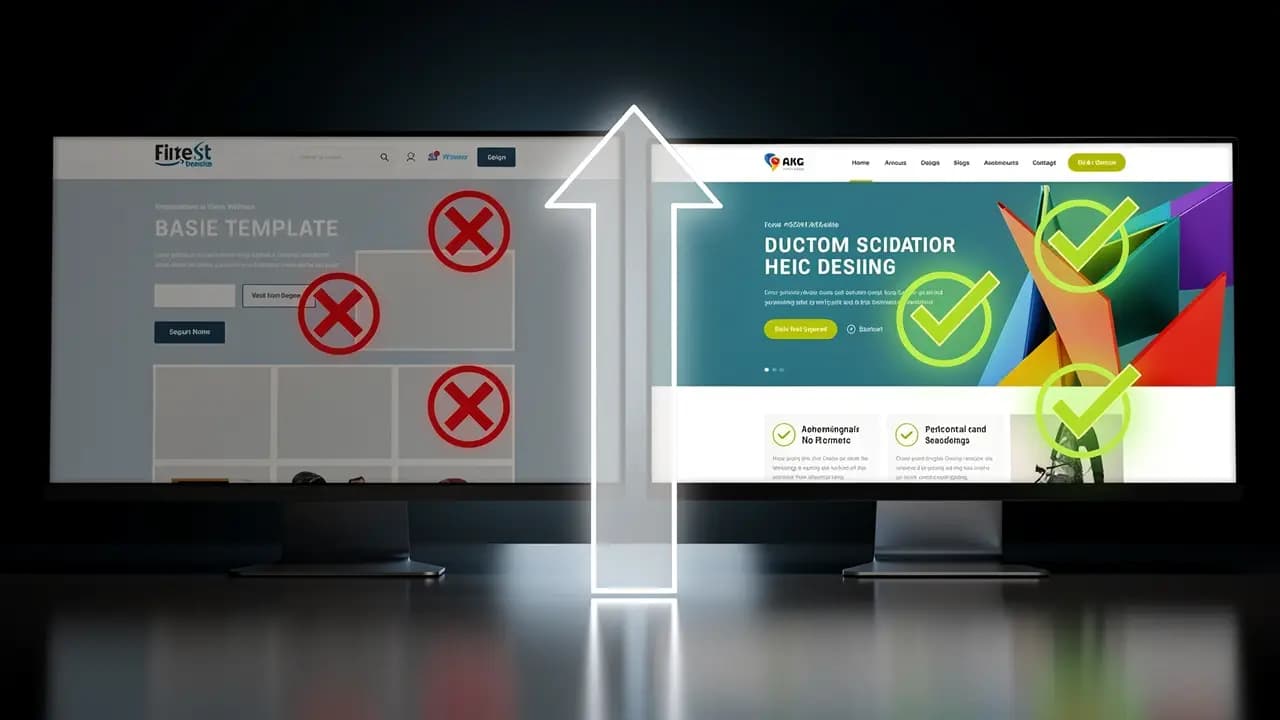
The theme determines the visual appearance of your WordPress website. The selection is vast -- and that is precisely what makes the decision difficult. Here are the criteria that truly matter.
Performance: A good theme loads fast. Avoid bloated multipurpose themes with dozens of built-in features you will never use. Lightweight themes like GeneratePress, Astra, or Kadence provide a solid foundation that can be extended as needed.
Responsive Design: Over 60% of web traffic comes from mobile devices. Your theme must deliver a compelling experience on smartphones, tablets, and desktops equally. Test every theme on various screen sizes before committing.
Compatibility: Ensure the theme is compatible with popular plugins like WooCommerce, Elementor, or Yoast SEO. Also verify that the theme developer provides regular updates.
Accessibility: Look for themes that adhere to WCAG guidelines. Accessibility is not only an ethical obligation -- with regulations like the European Accessibility Act taking effect, it is increasingly becoming a legal requirement for many businesses.
"The best WordPress website does not come from the most expensive theme, but from a thoughtful concept that balances design, performance, and user experience." -- Vitaly Friedman, Founder of Smashing Magazine
For businesses that need a unique design, developing a custom theme is often the best choice. Take a look at our web design references to see what results are possible with professional WordPress design.
Essential Plugins to Install
Plugins extend the functionality of WordPress. With over 60,000 available plugins in the official directory, it is important to focus on those you truly need. Every additional plugin can impact performance and increase your attack surface.
Here are the plugin categories relevant for every professional WordPress website:
SEO: Yoast SEO or Rank Math help with on-page optimization, generate XML sitemaps, and control how your pages appear in search engines. For a comprehensive SEO & Content strategy, however, plugins alone are not enough.
Security: Wordfence or Sucuri protect against brute-force attacks, malware, and other threats. A security plugin is not optional -- it is essential.
Performance: WP Rocket or LiteSpeed Cache speed up your website through caching, image compression, and code minification. Loading speed affects both user experience and your Google ranking.
Backup: UpdraftPlus or BlogVault create automatic backups of your entire website. Without regular backups, you risk losing all your work.
Forms: WPForms or Gravity Forms enable professional contact forms, surveys, and newsletter sign-ups.
Important: Only install plugins you actually need, and keep them updated at all times. Inactive plugins should be uninstalled, as they present a security risk.
Creating Pages and Content
With the technical foundation in place, it is time to fill your website with content. The guiding principle here is quality over quantity. Google rewards websites with unique, helpful content that provides genuine value to readers.
Start with your core pages: Home, About, Services/Products, Contact, and optionally Blog. For each page, define a clear objective. Your homepage must communicate within seconds what your business does and what benefit the visitor can expect.
WordPress provides a powerful tool for content creation with the Block Editor (Gutenberg). The editor works with blocks -- modular building components for text, images, videos, tables, and more. For more complex layouts, page builders like Elementor or Beaver Builder are available.
When approaching content production, keep these principles in mind: Write for your audience, not for search engines. Use a clear heading structure (H1, H2, H3). Integrate relevant keywords naturally into the text. Use images and graphics to break up content, and do not forget alt text for accessibility and image SEO.
WordPress SEO Optimization
Creating a WordPress website is only the first step. To ensure your site is actually found, a well-thought-out SEO strategy is indispensable. WordPress comes with good SEO prerequisites out of the box, but there is significant fine-tuning to be done.
Technical SEO encompasses optimizing loading speed, mobile responsiveness, SSL encryption, and a clean URL structure. Use tools like Google PageSpeed Insights to identify weaknesses. Our website optimization guide offers detailed recommendations on this topic.
On-Page SEO means optimizing individual pages and posts. This includes crafting compelling title tags and meta descriptions, implementing schema markup (structured data), building a logical internal linking structure, and optimizing images.
Content SEO is the most sustainable lever. Create high-quality blog posts regularly on topics that interest your target audience. Use keyword research to identify search terms with relevant search volume, and answer the questions of your potential customers comprehensively and authoritatively.
"Technical SEO is the foundation, but content is the engine. Those who are strong in both disciplines will dominate the search results in the long run." -- Lily Ray, Senior Director of SEO at Amsive Digital
For a holistic SEO strategy, we recommend working with an experienced agency. Our SEO & Content team develops tailored strategies that combine technical excellence with outstanding content.
Security and Maintenance
WordPress is secure -- when you configure it properly and maintain it regularly. Neglected WordPress websites are a prime target for hackers. The good news: With some fundamental measures, you can minimize the risk considerably.
Regular Updates are the most important security measure. Update WordPress core, themes, and plugins promptly. Security updates should be applied within 24 hours.
Strong Passwords and Two-Factor Authentication protect the administrator login. Use a password manager and enable 2FA for all user accounts.
Automatic Backups should be created daily and stored at an offsite location. In an emergency, you can restore your website within minutes.
Web Application Firewall (WAF) filters malicious traffic before it reaches your server. Services like Cloudflare or Sucuri provide effective shields against DDoS attacks and other threats.
Monitoring alerts you immediately when your website goes down or unusual activity occurs. Tools like UptimeRobot or ManageWP help maintain oversight.
Ongoing WordPress website maintenance requires time and expertise. Many businesses therefore opt for a professional maintenance contract. Our IT & Cloud Services team offers comprehensive maintenance packages that ensure the security and performance of your website.
DIY vs. Professional WordPress Development
The decision between building your own WordPress site and hiring a professional depends on several factors: budget, timeline, technical expertise, and the demands you place on the final result.
DIY (Do It Yourself) is suitable for personal blogs, small projects, or when you want to explore WordPress initially. The costs are low (mainly hosting and domain), but the time investment is significant. Expect several weeks to build a presentable website -- and keep in mind that topics like performance optimization, security hardening, and accessible design require deeper expertise.
Professional Development is recommended for business websites, online stores, and all projects where the website is a business-critical tool. A professional agency brings experience in design, development, SEO, and conversion optimization, delivering a website that performs from day one.
At GoldenWing 360, we combine technical excellence with strategic thinking. As a Vienna-based web design agency, we understand the needs of businesses in Austria and across Europe, and we develop WordPress websites that not only look great but deliver measurable results. From concept through development to ongoing support -- we are your partner for the entire lifecycle of your website.
Conclusion
Creating a WordPress website is easier than ever today -- and simultaneously more demanding if you want to do it right. The platform offers unmatched possibilities, but it takes strategy, technical knowledge, and high-quality content to unlock its full potential.
Whether you choose the DIY path or work with a professional agency, invest time in planning, choose quality hosting, opt for a lean theme, install only necessary plugins, and create content that provides genuine value to your target audience. Optimize for search engines without losing sight of the human reader, and never neglect the security and maintenance of your website.
Ready to take your WordPress website to the next level? Contact us for a no-obligation consultation. Our experienced team of designers, developers, and SEO specialists looks forward to making your project a success.