


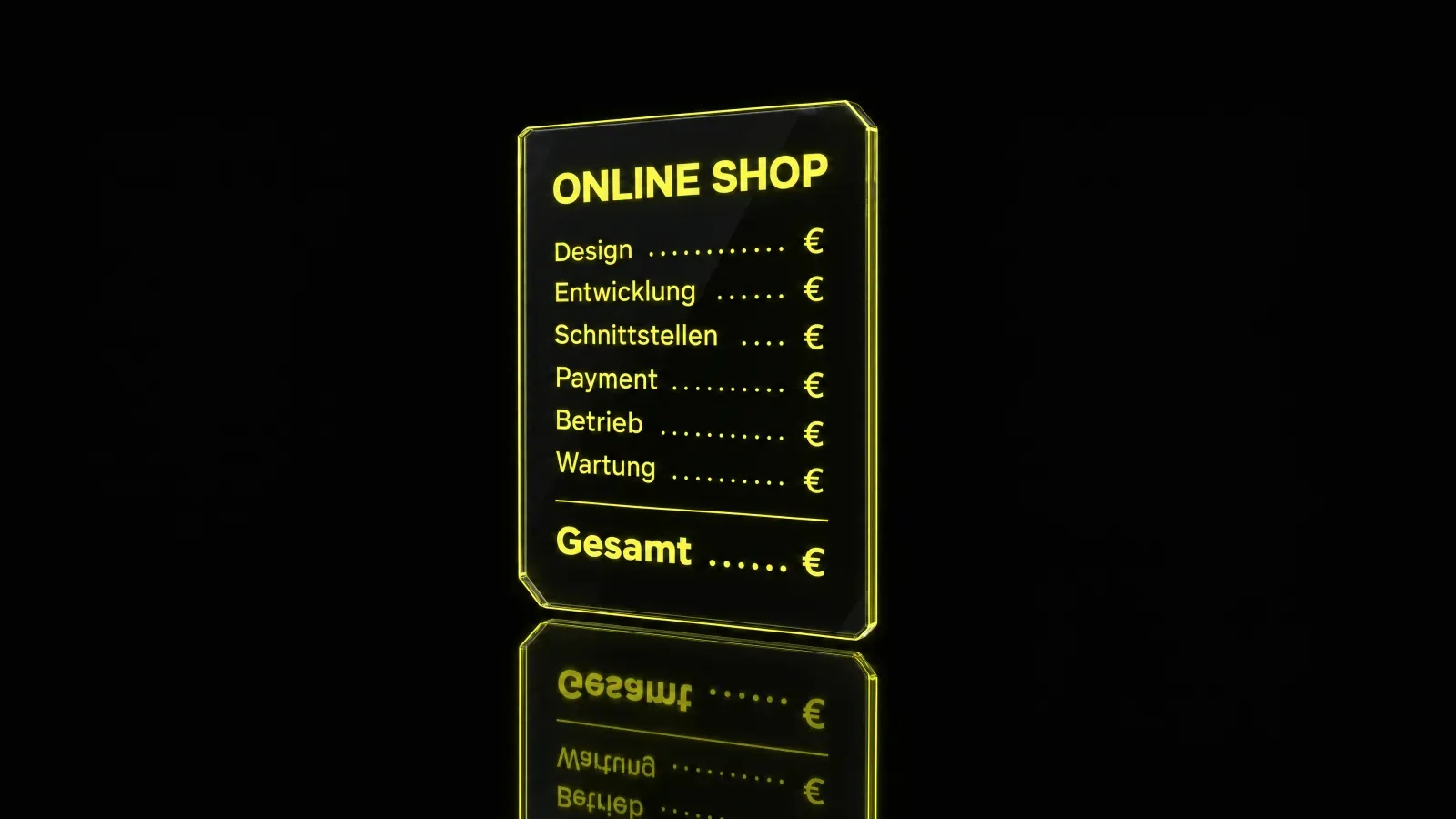
What an online store costs in Austria depends on four factors: the scope, meaning the number of products and features, the design and degree of customisation, the interfaces to inventory management, payment and shipping, and the running costs for hosting, maintenance, updates and, where applicable, transaction fees. A simple store on a site-builder platform starts cheap but causes ongoing fixed costs and often a revenue commission. A custom store built in code costs more to create, belongs to you completely and scales without a share of your revenue going to the platform. The honest answer is therefore not a single figure but the total cost over three years. This article explains the cost blocks and their orders of magnitude, shows what drives the price and helps you make quotes comparable, instead of being guided by the lowest starting price.
Why the starting price misleads
A quote shows only part of the bill. It states what building the store costs. What follows is often missing: monthly platform fees, commissions on every sale, payment fees, paid extensions, maintenance and the adjustments that almost always become necessary after launch. Anyone who compares only the starting price is comparing the smallest part.
A more honest basis for comparison is the total cost over three years. Three years is long enough for running items to become visible and short enough to remain plannable. Add up three blocks: one-off costs for setup and configuration, running costs for operation and maintenance, and costs that grow with revenue, meaning transaction and payment fees. Only the sum shows what a store really costs.
A thought experiment makes the effect tangible. Two stores start with the same range. The first has a low build price, but monthly platform fees and a commission on every sale. The second costs more to build, but afterwards only hosting and maintenance. In the first year the first store is ahead. As revenue grows, the relationship flips, because the commission grows with every sale while the maintenance costs of the second store remain predictable. This is exactly the development that a comparison of starting prices hides.
For a general overview of website pricing, see our article What does a website cost in Austria. An online store brings its own cost drivers on top, and we go through them here.
Cost driver: scope
Scope is the first and often the biggest lever. It is made up of the number of products, variants, categories and special features. A store with a few products and no variants is much leaner than a catalogue in which every product appears in several sizes and colours. Special features such as configurators, quantity discounts or separate B2B prices bring extra logic, and every piece of logic has to be developed, tested and maintained.
Qualitatively, three sizes can be distinguished:
- Small store: a manageable range, few variants, standard features. The effort sits at the lower end and concentrates on design, copy and payment processing.
- Medium store: a larger range with variants, several shipping methods, a connection to an inventory management system. The effort rises noticeably here, because data has to flow between systems.
- Large store: an extensive catalogue, special logic such as a configurator or a B2B area, several languages or markets. The effort sits at the upper end, and planning and testing take up a large share of the project.
We deliberately give no flat euro amounts. A serious figure needs your details on range and features.
Cost driver: design and customisation
A standard theme is the cheapest way in. It works, but it looks like many other stores. A custom design with its own brand world costs more to create, but it affects two things that matter for a store: recognition and conversion. A visitor who recognises your brand and is led to purchase without friction is more likely to order than one who has to click through an interchangeable template.
GoldenWing builds stores in code rather than in a site builder. That gives room for manoeuvre in design and speed that a site builder does not offer: load times, the structure of product pages and the checkout process can be tailored to your business instead of adapting to the constraints of a system. If you prefer a system such as Shopify, read more about our Shopify agency.
Cost driver: interfaces
A store rarely stands alone. It has to talk to inventory management so that stock levels are right, to payment providers so that customers can pay conveniently, to shipping providers so that labels and tracking work. Often it also has to talk to accounting so that invoices are not entered twice.
Every interface costs money to set up and to maintain. Setup is a one-off, maintenance is not: when a connected system changes its interface, the connection has to be adjusted. The most common mistake is to cut interfaces in order to lower the starting price. Missing connections are retrofitted later, and that is almost always more expensive, because existing processes have to be rebuilt. Plan for every system the store should talk to from the outset.
A practical tip: before the first conversation, list every program that touches orders, stock, invoices or shipping today. This list gives you the interface requirements almost by itself, and quotes become much more precise.
Running costs
After launch, operation begins, and it has a price. Running items include hosting, security, updates, content maintenance and possible transaction fees.
- Hosting and security: The store must be available and protected, including during traffic peaks.
- Updates: Systems, extensions and payment modules need regular updating.
- Content maintenance: Products, prices, copy and promotions change constantly.
- Transaction fees: Payment providers charge a fee per payment. Some site-builder platforms also charge a commission on revenue.
These items add up and decide the total bill. The comparison of site builder and own store shows its difference here: a site builder has lower entry costs, but permanent fees and a dependency on the platform. A custom store in code has higher initial costs, belongs to you completely and has no revenue share for the platform operator. The higher your revenue, the more this difference weighs.
Also consider what further development follows after launch. Hardly any store stays unchanged over three years: new payment methods, additional markets or a wider range create work. Ask in the quote how such extensions are charged and whether the system allows them at all without a rebuild. A store that can grow is cheaper in the long run than one that has to be rebuilt with every extension.
How to make quotes comparable
A quote can only be compared if it shows the same items. Check whether every quote states the following:
- Scope of services: number of products, variants, page types and special features.
- Design: standard theme or custom design, and what exactly is included.
- Interfaces: which systems are connected, and what setup and maintenance cost.
- One-off costs: build, setup, data migration, training.
- Running costs: hosting, security, updates, support.
- Transaction costs: payment fees and any platform commission.
- Ownership: who owns the code, design and data when the project ends?
If one of these items is missing, ask. A quote that leaves it out is not cheaper, it is incomplete. GoldenWing discloses the total costs instead of advertising a teaser price.
Conclusion
The starting price says little. What counts is the total cost over three years, made up of scope, design, interfaces and running operation. Those who know it early decide on a sound basis instead of cheap now and expensive later. If you are looking for a partner for your store, you will find our services under e-commerce agency in Vienna.
Free initial consultation: We will estimate the total cost of your store, honestly and without a teaser price.